FAMILY MINECRAFT · LIVE 0.4.1 · BETA 0.4.2-beta.1 · LOADER 1.7
Download once. Click Play.
One loader takes care of the right launcher, profile, Java and mods. Keep the same profile when the server updates.
Download Windows loaderStart playing
- Download the loader and open Schema-Builder-Play-1.7.exe.
- Follow the first-run wizard: choose Live or Beta - no account. For Beta, enter a player name using 1–16 ASCII letters, numbers or underscores. Review your choices and click Finish, then Update & Play to begin setup downloads. If an app is blocking the update, the loader lists it and offers to close it.
- Use Schema Builder Play from then on. Look on the Desktop or in the Start menu. It checks for updates before every launch.
Live uses Prism: sign in with your own Minecraft Java account when asked. Beta uses the separate test world at :25567 without account sign-in. Keep your previous test name to retain its inventory and progress; choose distinct names for different players playing together. Earlier signed-in Beta progress is retained in its original world. Both require the home LAN.
Your existing settings, worlds and profiles are kept. If old Schema Builder profiles no longer match a supported server, the loader lists them and asks before removing them from Prism. Confirmed removals are archived for recovery.
The launcher automatically checks for an existing Prism installation and reuses your matching profile. Extra installation options stay inside the ☰ menu, including recovery of a custom portable Prism or a legacy offline test kit.
Updates download and verify before you need to close a game. You can keep playing and finish later; verified downloads stay ready for the next attempt. Closing an app always asks first, with a separate confirmation if it needs to be forced closed.
If Windows hides an app's details, choose Check apps to request Windows permission. The loader checks whether it uses your installation, then offers Close apps and a separate Force close confirmation when needed. The list shows its Windows session. Force closing can lose unsaved progress, including another user's. Only checking and closing request permission; updates run as you. If the app still cannot be verified or closed, the loader sends or queues private diagnostics and keeps the downloads for retry.
If an update fails, the loader sends Dad a private diagnostic report and shows its report ID. Only bounded loader logs are included; account files and game logs are excluded, and sensitive paths and authentication values are removed. Reports wait for the home server if it is unavailable. Use Report a problem in the menu to add your own description.
First setup can take a few minutes while official tools and game files download. Live and Beta keep separate profiles and worlds; switching does not move your progress between them. A failed update stops the launch and shows the error. Its loader log records the failure for the private report; keep the profile and retry.
Eighteen schematics to throw
| Schematic | Add to one clay brick |
|---|---|
| Stone Archway Schematic | Quartz block |
| Red Barn Schematic | Hay block |
| Footbridge Schematic | Oak planks |
| Timber Cabin Schematic | Birch planks |
| Canvas Campsite Schematic | White wool |
| Garden Courtyard Schematic | Polished andesite |
| Enchanting Library Schematic | Bookshelf |
| Birch Gazebo Schematic | Birch log |
| Glass Greenhouse Schematic | Glass |
| Lookout Hut Schematic | Stone bricks |
| Perfect Home Schematic | Red bed |
| Smelting Lodge Schematic | Blast furnace |
| Open Stable Schematic | Saddle |
| Storage Warehouse Schematic | Chest |
| TNT Cube Schematic | Tnt |
| Village Inn Schematic | Bread |
| Guarded Watchtower Schematic | Cobblestone |
| Brick Workshop Schematic | Crafting table |
All eighteen recipes are automatically known on the family servers. Names now say Schematic in the mod; search for schematic. The historical twelve-name resource pack is optional and unnecessary for this release.
Right-click to throw. The front faces back toward you at your nearest cardinal heading when thrown. Pitch and turning afterward do not change it. The original bridge runs across your throw direction. Use open space: structures replace their entire construction volume.
Perfect Home, golem, trains and TNT
Perfect Home has three floors, four bedrooms, shared storage, smelting and enchanting. It includes torches and complete doors; keep the entrance and stair landings clear.
Use the Netherite Golem Spawn Egg from the creative inventory to summon the Netherite Golem. It uses iron-golem behavior, protects against hostile mobs and has its own netherite appearance.
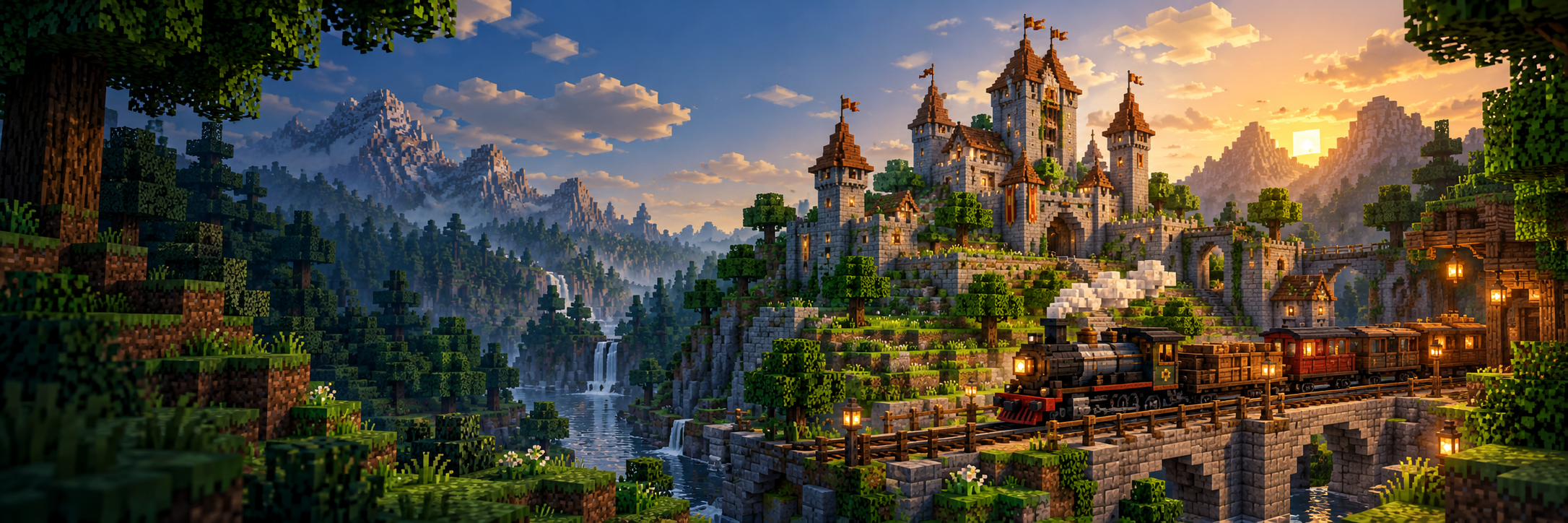
Search for Train or open the Schema Builder creative tab for Minecart with Furnace, rails, chains, passenger minecarts, coal and charcoal. Place the furnace engine on rails with a passenger cart. Hold a chain and right-click each cart to couple them. Each survival link consumes one chain; use one furnace engine and at most eight carts. Switch to an empty hand, stop sneaking, then right-click the engine to open its fuel screen and add coal or charcoal. Sit in a linked passenger cart: W accelerates, S slows and Space brakes. Sneak-right-click with an empty hand disconnects and returns the chain. Use /trainhelp for these controls. Build complete clear rails and begin slowly; derailment can explode and damage nearby builds.
The TNT Cube Schematic builds a solid 20×20×20 cube of 8,000 TNT blocks. Placement does not ignite it. Ignite with normal Minecraft methods only after everyone is clear; the explosion can destroy nearby builds.
For a problem, use /fixitdad what happened, wait for the saved report ID and give that ID to Dad.
Offline Beta: trains and NPCs
Live remains 0.4.1. Beta without an account uses 0.4.2-beta.1 on the separate test world at :25567. Update with loader 1.7 before playing together. Keep the same test name for your inventory and progress.
Beta includes train variants and Modern Companions 4.65 NPCs. The loader downloads the exact original NPC mod from its official release and checks its SHA-256; this download needs an Internet connection on first setup. Later unchanged updates reuse the verified files.
Choose a train engine
| Engine | Crafting upgrade | Top speed |
|---|---|---|
| Furnace minecart | Ordinary furnace minecart | 8 blocks per second |
| Copper train engine | Furnace minecart + four copper ingots | 12 blocks per second |
| Iron train engine | Furnace minecart + four iron ingots | 16 blocks per second |
| Netherite train engine | Furnace minecart + four netherite ingots | 20 blocks per second |
For each upgrade, place the furnace minecart in the center of the crafting grid and the four matching ingots above, below, left and right. Search Train in Creative, or use the Schema Builder tab. The engine's tooltip shows its speed cap; curves, slopes and the server limit can slow it further.
Place one engine and passenger or cargo carts on complete rails. Hold a chain and right-click each cart to link; each survival link uses one chain, with at most eight carts and one engine. Empty hand, without sneaking: right-click the engine, then add coal or charcoal. Ride a linked passenger cart: W accelerates, S slows and Space brakes. Sneak-right-click with an empty hand unlinks a cart and returns the chain. Use /trainhelp for help. Start slowly on a clear track; derailment can explode and damage nearby builds.
Recruit a companion
Right-click an unowned companion with an empty hand to see the items it requests. Give those items to recruit it, then use its normal controls. Keep NPCs inside loaded areas for activity when nobody is nearby; a companion cannot follow an owner who is offline, and the server must be running.
Existing worlds, local settings and runtime caches stay in your offline kit. A failed update stops launch. Retry with the same kit; do not copy a server-only helper mod into the client.
Technical details and recovery
Minecraft Java 1.21.1 · NeoForge 21.1.256 · Java 21. Live :25565 includes Modern Companions 4.65 and requires Prism account sign-in. Main Beta :25567 runs 0.4.2-beta.1 with train variants and Modern Companions 4.65, using the separate offline kit and its separate test world without an account. The historical authenticated beta :25566 and its Modern Companions remain available to legacy helpers; they are not the main Beta choice in loader 1.7.
The loader verifies SHA-256, downloads only changed mods, and stores replaced JARs outside the mods folder. Live accounts stay in Prism. Beta remembers only its distinct test name locally. Archives are kept under %LOCALAPPDATA%\SchemaBuilder\archived-instances, or beside Prism's instances folder when it lives on another drive. The loader prints the location; close Prism and move an archived profile back to its original instance directory to restore it.
Use the server selector in the launcher to change the remembered server. Game/loader migrations remain explicit compatibility checks. Windows 10/11 x64.